
Name-Based Case Searches
Pick the Darke County court before you type a name. The eServices route tied to the Clerk also serves the Darke County Municipal Court path, while Probate runs its own CaseLook form. Juvenile matters offer no broad public search route. On Probate CaseLook, enter a person as last name, a space, then first and middle name, within a 30-character limit. The form also wants just one search criterion. A combined name-and-date query will not run.
- Identify whether the matter belongs with Darke County Common Pleas, Municipal, Probate, or Juvenile Court.
- For a Darke County Probate case, accept the disclaimer and complete the CAPTCHA before entering one criterion.
- Enter the Darke County Name/Company field in the displayed last-name-first order, or choose a different single criterion.
- Select verified Darke County Probate case categories, choose a results-per-page option, and use Begin Search.
- If the Darke County record is not found or needs confirmation, contact the clerk that owns the case rather than treating a no-result as final.
CaseLook is the only Darke County form with a fully published field list. CourtView keeps its search controls behind a browser check, so its fields and matching rules stay undisclosed here.
| Darke County CaseLook field | Type | Required | Verified notes |
|---|---|---|---|
| Name/Company | Text | One criterion | Darke County format: last, space, first middle; 30 characters maximum. |
| Case Number | Text | One criterion | Darke County format: numbers only, no letters; 12 characters maximum. |
| File Date month, day, year | Dropdowns | No | Darke County choices ran from 2026 back to 1978. |
| Civil | Checkbox | No | Darke County CaseLook code PC; prechecked on the captured form. |
| Estate | Checkbox | No | Darke County CaseLook code PE; prechecked on the captured form. |
| Guardianship | Checkbox | No | Darke County CaseLook code PG; prechecked on the captured form. |
| Marriage | Checkbox | No | Darke County CaseLook code PR; prechecked on the captured form. |
| Miscellaneous | Checkbox | No | Darke County CaseLook code PM; prechecked on the captured form. |
| Trusteeship | Checkbox | No | Darke County CaseLook code PT; prechecked on the captured form. |
| Matches per page | Radio group | Yes | Darke County options are 25 default, 50, 100, or 250. |
| CAPTCHA response | Text | Yes | Darke County screen: six-character maximum, with Listen and Refresh controls. |
Darke County CourtView Search
The official Darke County Clerk and Municipal route is the Darke County eServices Records Search. It opens with a browser-information and session check. Use a current desktop browser. Finish the sequence the service presents, and work only with the fields it shows. The portal does not publish a case-number syntax past that gate. Nor does it list a court selector, result limit, document button, paid-login rule, or refresh schedule.
One Darke County Municipal Court caution deserves weight: online data can lag a filing or judicial action, and it can change without notice. That matters when a party holds a fresh notice, a recent filing, or a new court setting. If a stale web display conflicts with the ticket, the notice, or clerk confirmation, trust the paper. The portal is an official access aid. It is not a certified record service.
The Darke County offices directory identifies the Clerk of Courts access point behind Common Pleas and appellate records.
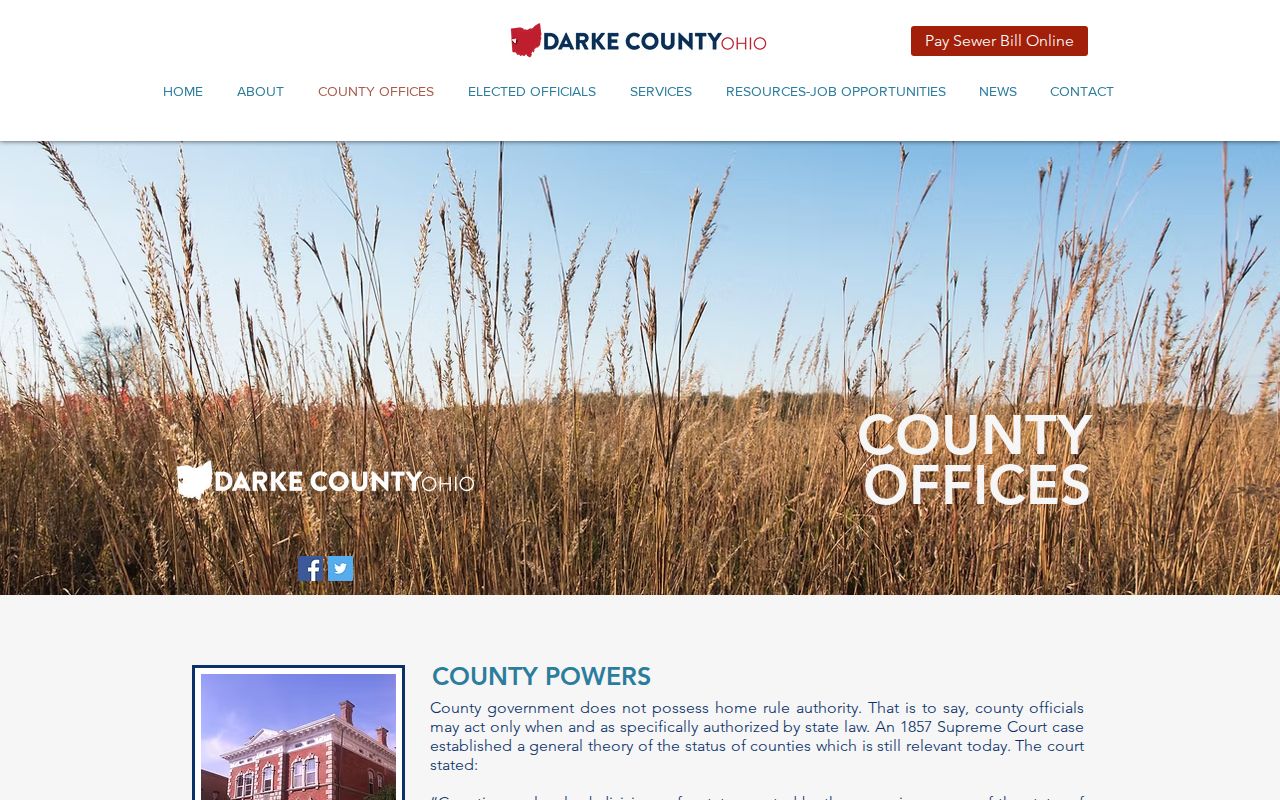
That office is the fallback for a Darke County Common Pleas record. Go there when the online session will not surface the case.
Darke County Court Search Selection
Search by Darke County court first, then by name. A felony or larger civil matter starts with Common Pleas and the Clerk. Misdemeanors, traffic, limited civil matters, and small claims belong to Municipal Court. Probate handles estates, guardianships, marriage, civil, miscellaneous, and trusteeship cases through CaseLook. Juvenile matters require direct court contact, since no broad public juvenile route exists. Getting the court right prevents a false no-result.
Case Number Searches
A known Darke County number is often the cleanest way to route a request. But read it in the context of the right court. Probate CaseLook accepts a numeric value only, up to 12 characters, such as 123456789012. That example shows the CaseLook input pattern. It does not promise every local court number runs twelve digits.
For a Common Pleas criminal file, local rules give the pattern YYCR#####, such as 14CR00009. The year, the CR case-type code, and the sequence define that format. The eServices gate leaves open whether the portal requires this exact string as its query syntax. Municipal case-number format is not published. A citation, notice, or the clerk supplies the controlling identifier.
Darke County Probate Search Delay
Darke County Probate CaseLook asks you to accept its disclaimer and pass a CAPTCHA before searching. The court warns the online database can be at least 24 hours behind filings or judicial action. It may lag even longer. A same-day filing, a recent order, or an uncertain result calls for direct confirmation from Probate. Repeated web searches will not settle it. The official CaseLook screen carries that access warning before any search is submitted.
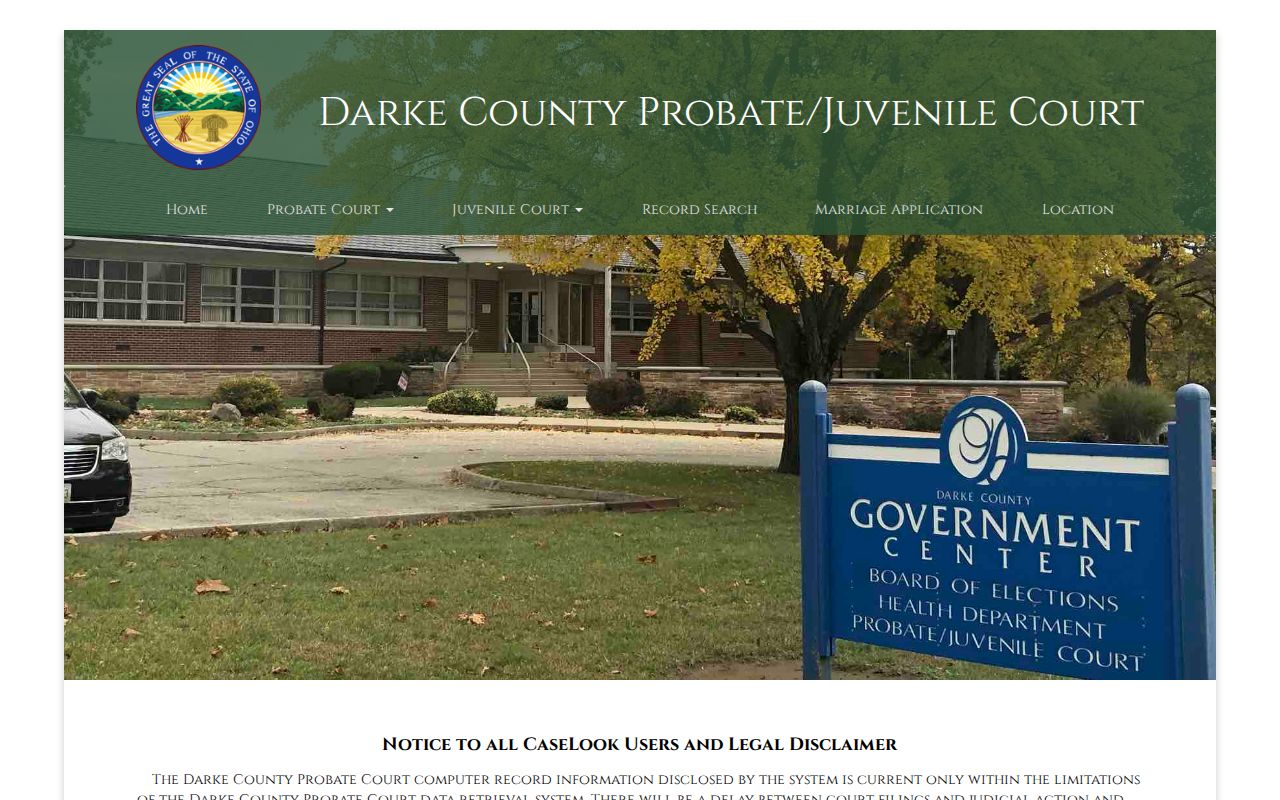
That warning is the point. An online result helps you locate a case, but it is no substitute for a certified or clerk-confirmed record.
Case Search Results Explained
Different Darke County channels show different fields. The Probate public form lists the number, Name/Company, file date, and six categories before a result opens. Municipal rules describe the official Civil Docket & Journal and Criminal/Traffic Docket & Journal as dated and numbered case records. Neither fact guarantees that an online detail screen exposes each document or attachment.
A search is not a request to create a record or conduct new research. When several similar names come back, narrow the query. Use the court, an approximate filing date, the case type, or a number from a notice. When nothing comes back, question the court path first. A Probate estate, a Municipal ticket, a Common Pleas felony, and a juvenile matter do not share one result set. They are not interchangeable.
| Case number | A court-assigned identifier used to locate a file. Its displayed format varies by court. |
|---|---|
| Name or caption | CaseLook labels the name search field Name/Company; a case caption identifies the parties in a court file. |
| File date | A verified CaseLook filter and a useful request detail for the clerk. |
| Case category | Probate CaseLook lists PC, PE, PG, PR, PM, and PT filters. |
| Docket entry | A dated, numbered journal notation of an event, filing, order, or proceeding. |
| Document availability | Depends on court access rules and the specific record; it was not verified for CourtView’s gated results. |
Darke County Record Layers
Think of a Darke County court file in three layers. The docket, also called the journal, lists what happened in a case over time. Behind each entry sits a filed document, such as a complaint, motion, order, or judgment. When you need formal proof, you order a certified copy instead. Each layer can carry its own access path. Its fees can differ too, even within one case.
Local rule 2.01 makes electronically filed or scanned documents the official Municipal record. Even so, the web display can lag behind a filing. Common Pleas reports that most Clerk-filed pleadings have been fully viewable since August 2020. Confidentiality rules and court discretion still apply, though. So a docket entry you can see does not mean every attachment is available remotely.
Darke County Municipal Case Requests
When the online Municipal docket search falls short, put your request in writing. Mail, fax, or hand delivery all work. Give the clerk a case number if you have one, the charge or an approximate offense date when that matters, the specific document you want, your contact details, and how you want it delivered. A pickup request requires a telephone number, and mailed copies require a self-addressed stamped envelope. The policy sets a two-business-day goal, but that is not a guaranteed turnaround.
Two Ways to Search: County and State
Ohio offers no single statewide trial-court index that replaces the local channels. Start with the Darke County court that holds the case. Federal matters sit elsewhere entirely and never appear in the County Clerk or Municipal lookup.
| Darke court channel | Statewide trial-court channel |
|---|---|
| Clerk-linked CourtView for Common Pleas and Municipal paths, plus Probate CaseLook. | No universal Ohio trial-court index was confirmed for these separate systems. |
| Use the owning clerk, counter, phone line, or written request when online access is incomplete. | Do not treat an unrelated statewide resource as proof of a Darke case result. |
| Juvenile matters require direct court contact and may be restricted. | Statewide searching does not create a public juvenile route. |
Darke County Federal Records
Federal cases tied to Darke County belong to the Southern District of Ohio's Dayton division. They are not part of the Darke County docket system. PACER handles case-locator results, docket reports, and public documents. CM/ECF is the separate filing and case-management interface. Neither system extends CourtView; they form their own federal layer.
Most civil and criminal documents filed in the Southern District since September 1, 2003 are viewable or printable through CM/ECF–PACER, subject to access restrictions. PACER requires an account. It charges $0.10 per page. The fee is capped at $3 for a document or case-specific report. A future-announced price change takes effect January 1, 2027. None of those federal terms set the cost of, or access to, a Darke County court file.
The Southern District of Ohio Bankruptcy Court provides the official bankruptcy-court entry point.
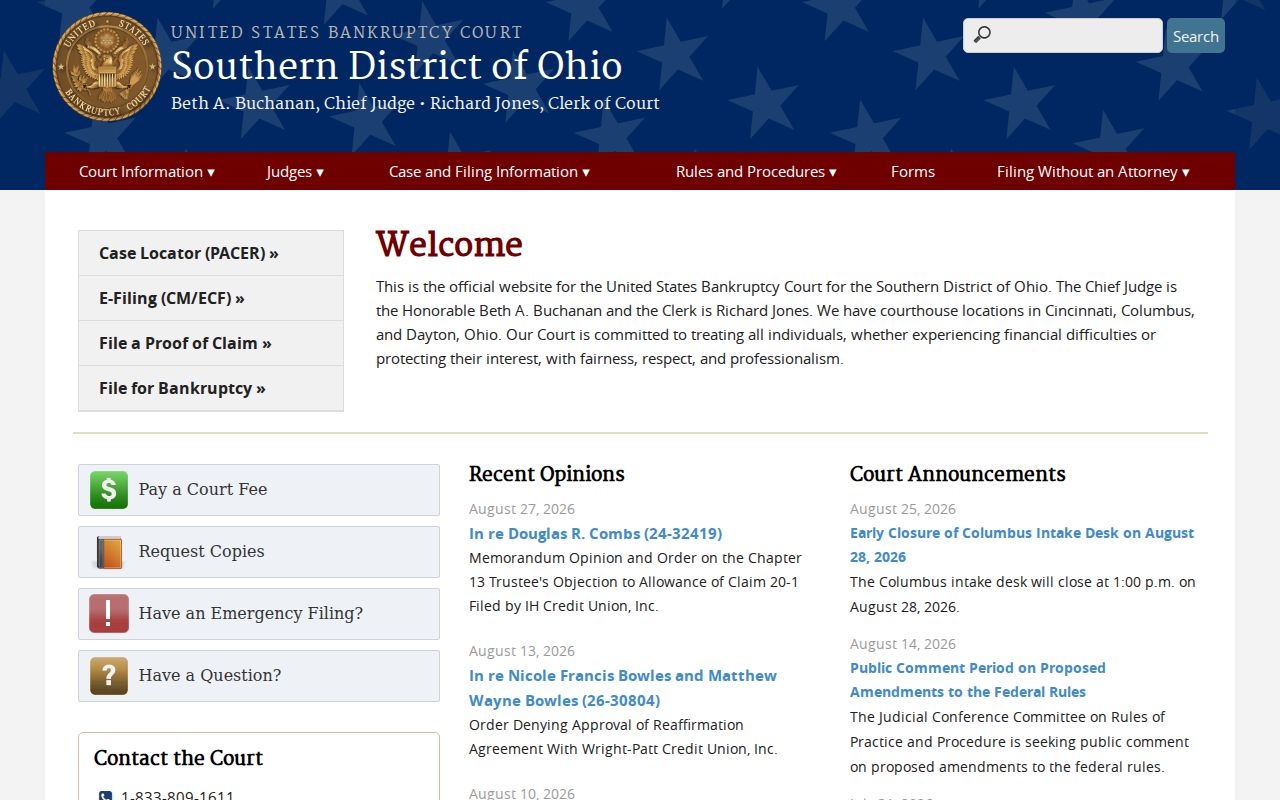
Bankruptcy docket access runs through the federal court's channel, not the county Probate or Clerk search. Southern Ohio CM/ECF is the official federal filing and docket interface.
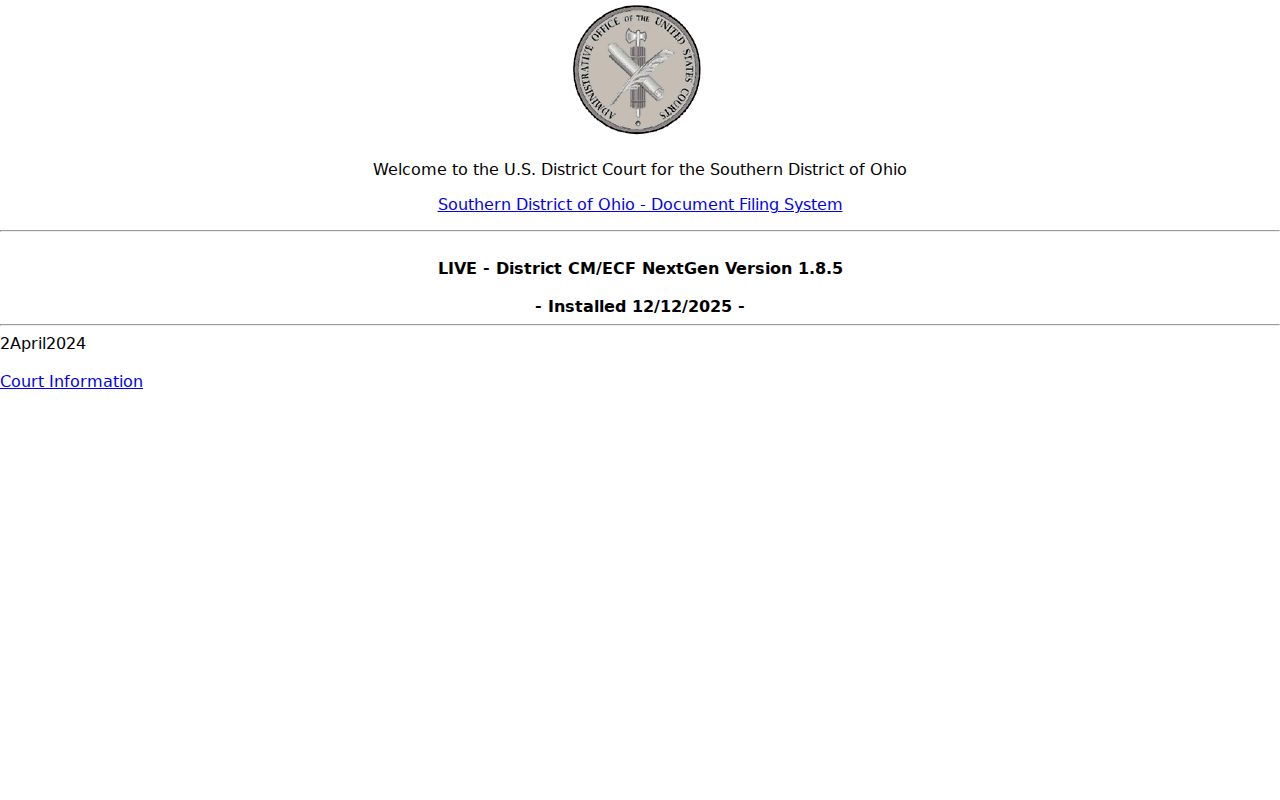
Its presence does not make a federal filing searchable through a county clerk portal.
Which Cases Stay Restricted
Ohio separates access at the record location from remote electronic access. Under Sup.R. 44–47, a record available remotely can omit an exhibit or attachment. You could still view that item in person. A missing document alone does not prove a case is sealed.
Sealed or expunged adult matters may drop out of public index references under Ohio law. Juvenile, adoption, and certain juvenile-probation material carry their own confidentiality limits. There is no broad public juvenile lookup. So contact the Juvenile Court directly with access questions.
For adult cases, a no-result search does not prove the case never existed. Sealing and expungement rules can restrict index references even when a case is real. And even in a visible case, a particular document may be unavailable. That can happen because it holds protected information, or because remote access excludes the attachment. The court decides any request for restricted access, not a broad web query.
Darke County Juvenile Case Access
Juvenile records follow their own access rules. The Juvenile Court sits at 300 Garst Avenue, and its number is 937-547-7350. That court keeps its records route separate from the County Clerk and the Municipal Clerk. A public CaseLook search is no substitute for calling directly. Adoption and juvenile-probation material can carry specific confidentiality limits. Ask the court for its access procedure. Do not type sensitive details into a general search field.
Darke County Search Contacts
Is an online result delayed, ambiguous, or unavailable? Then call the office that holds the record. Have the court, case number, party name, approximate date, and the item you need. The Clerk of Courts handles Common Pleas and appellate records at 937-547-7335. Municipal records go through the third-floor Clerk at 937-547-7340. Probate is 937-547-7345, and Juvenile is 937-547-7350.
The fallback order is court-specific. Common Pleas and appellate questions go to the County Clerk or Common Pleas office. Municipal criminal, traffic, and limited civil questions go to the Municipal Clerk. Probate uses the Probate office and CaseLook, while Juvenile questions go straight to Juvenile Court. Need a Municipal copy? Send a written request by mail, fax, or in person.
The Probate Court contact page identifies the separate court access route.
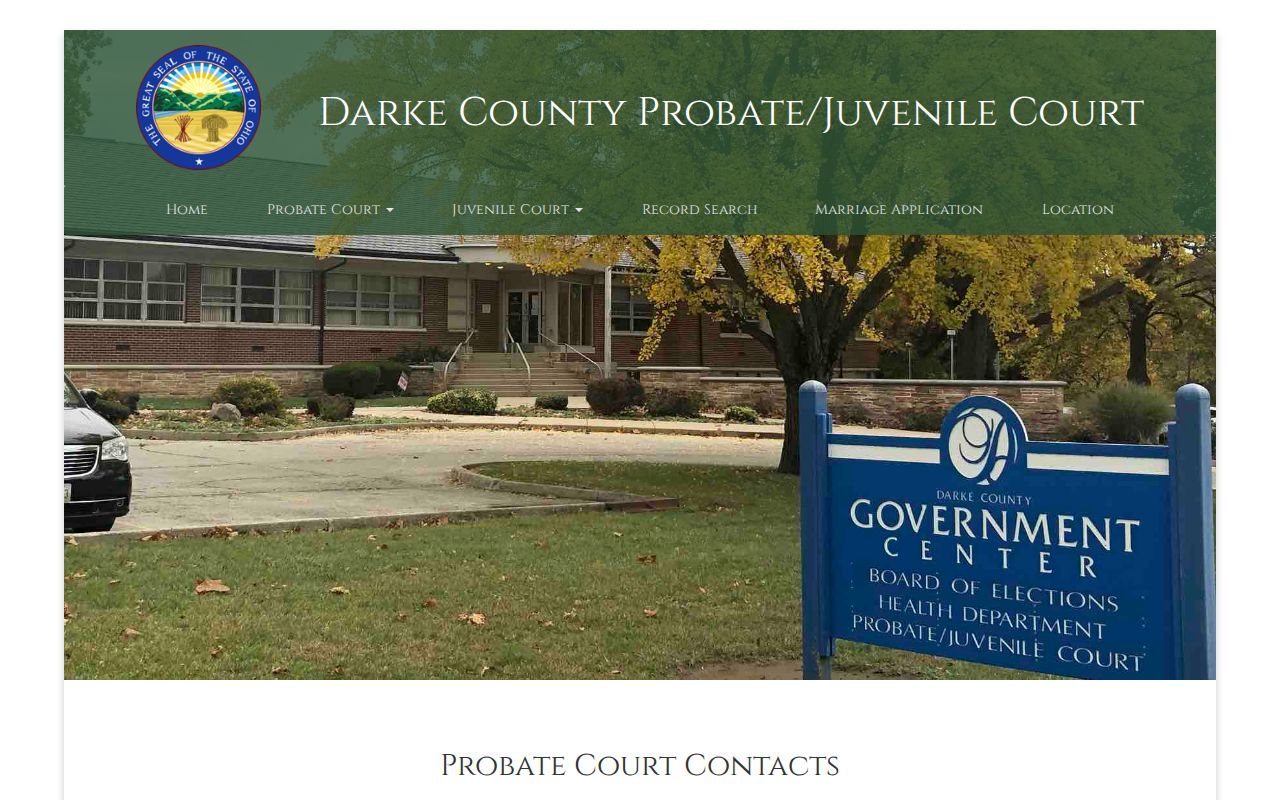
The Probate and Juvenile offices stand apart from the courthouse clerk counters, so searching the wrong court can produce a false no-record result. Keep your inquiry with the right office. Note: A clerk can identify records and access channels, but cannot provide legal advice about a case.